




Charismatic
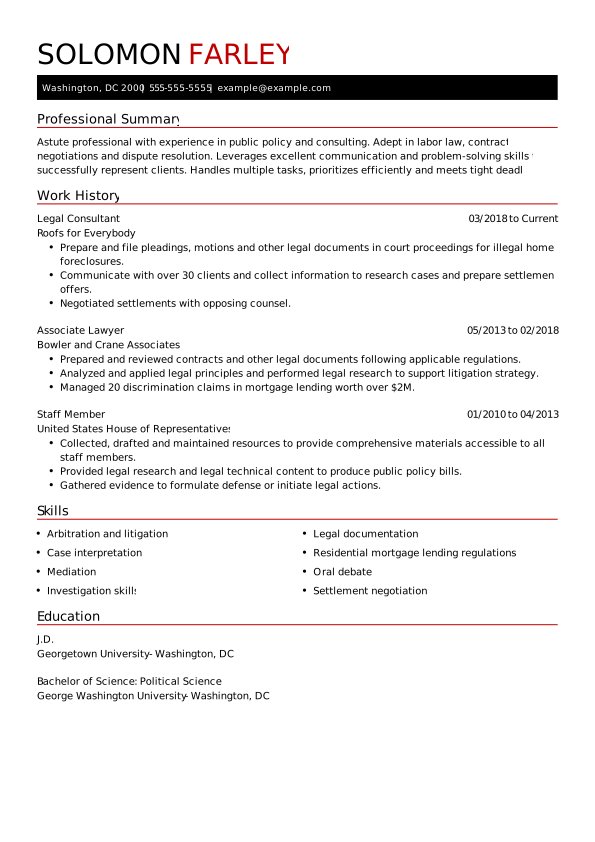
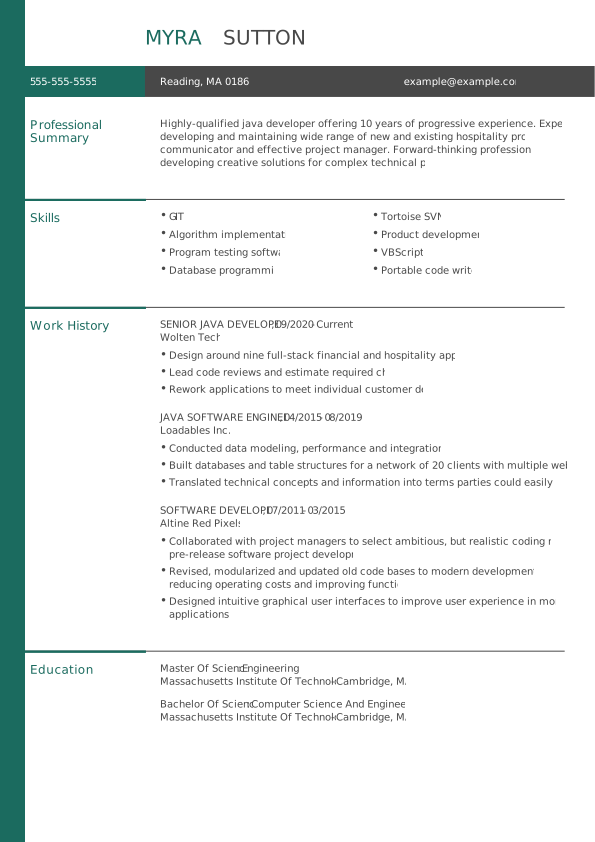
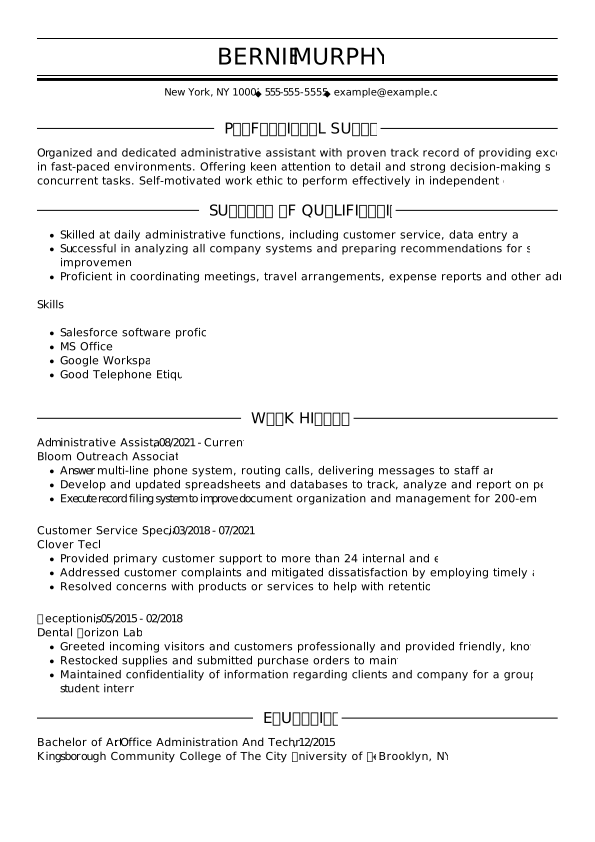
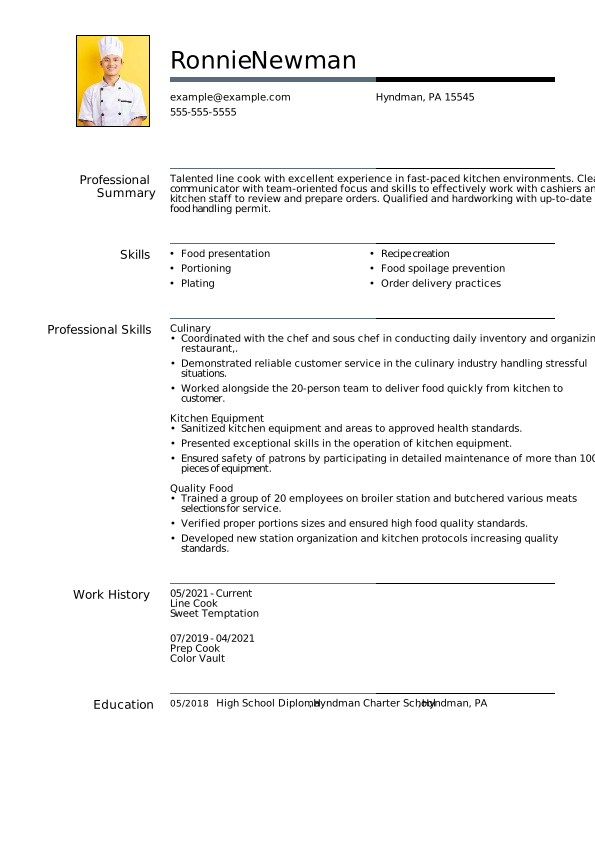
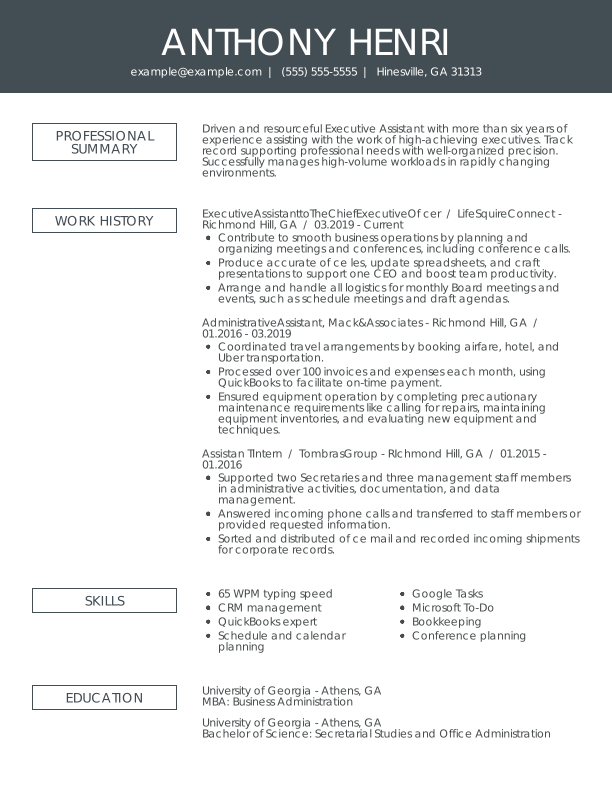
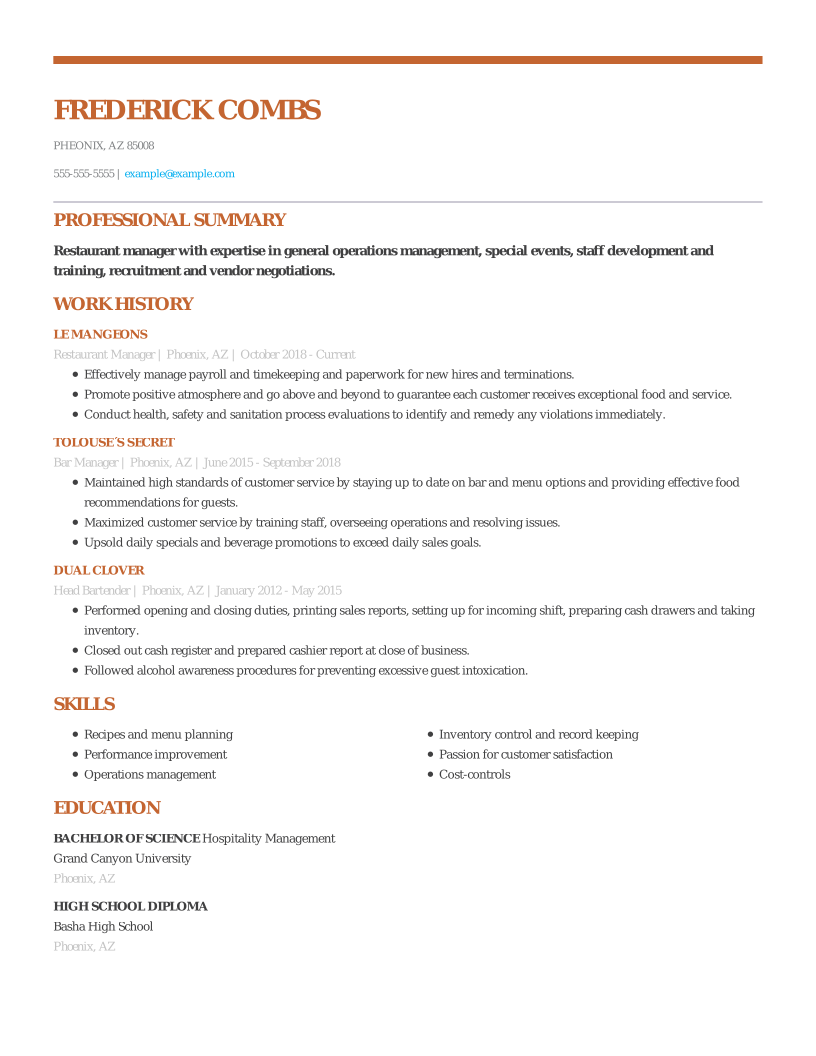
A traditional template uses simple borders to highlight the start and stop of each new resume section.

Sort through our administrative resume examples to see what works best for you.
Our sales resume examples can help you write the best possible resume.
Explore our food service resume examples to show your skills effectively.
Start crafting your job-winning resume with our teaching resume examples.
Use our administrative cover letter examples for ideas on writing your own.
Use our sales cover letter examples to effectively show your sales accumen.
Write your job-winning cover letter following our nursing cover letter examples.
Learn to tell your story in education using our teaching cover letter examples.

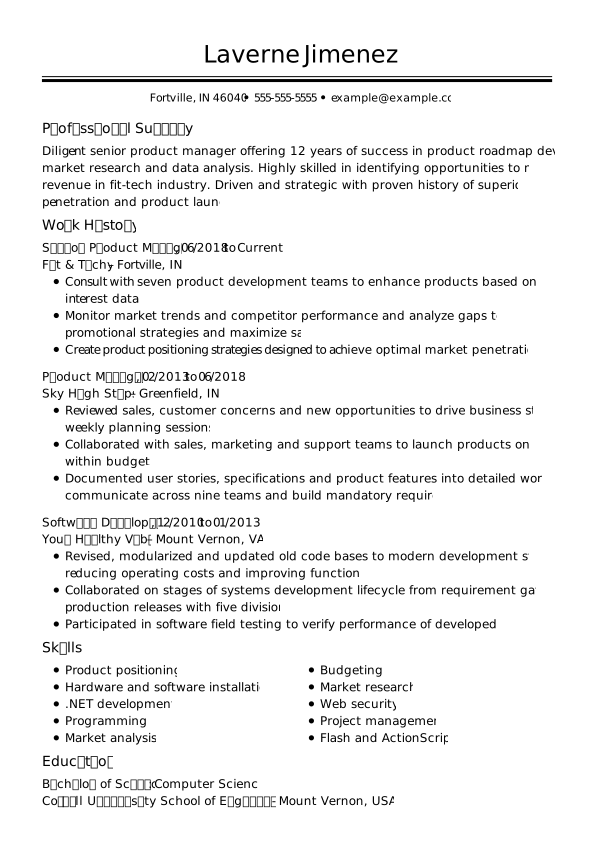
A traditional template uses simple borders to highlight the start and stop of each new resume section.
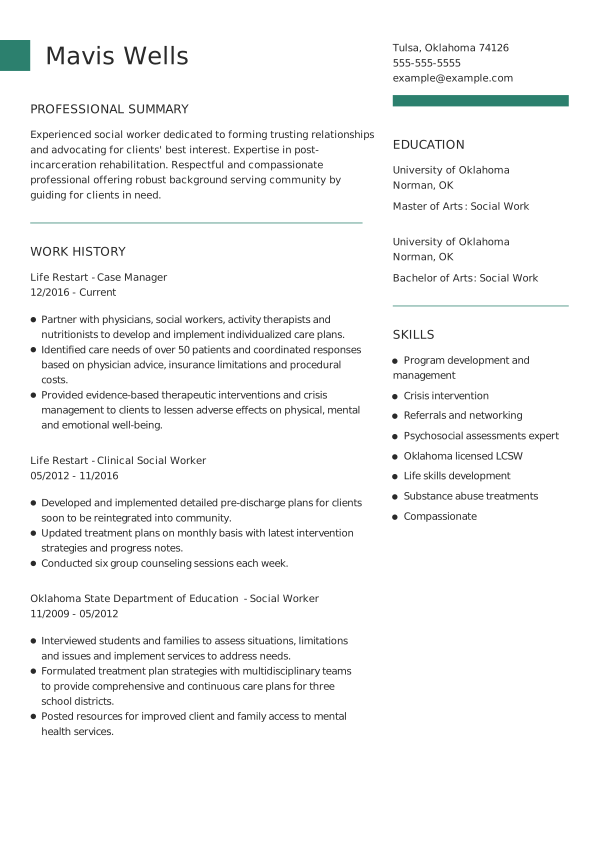
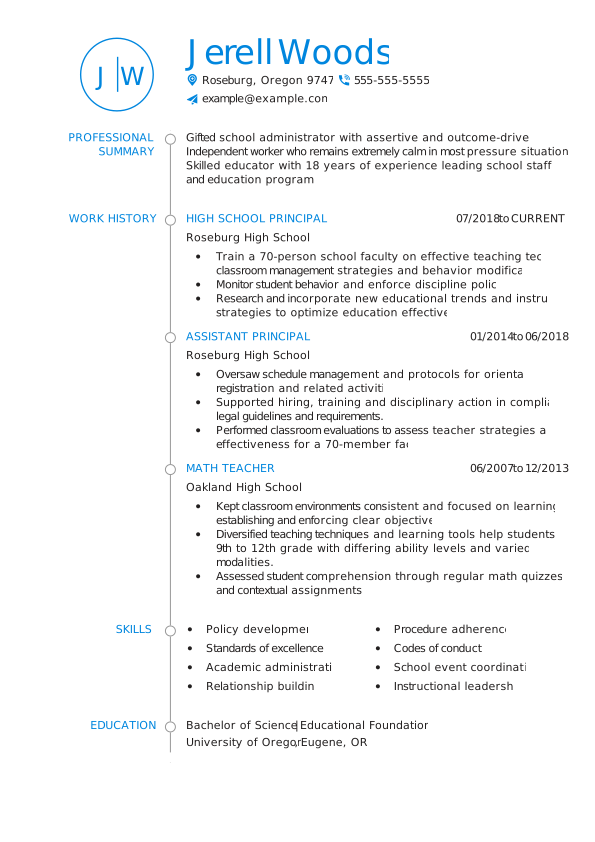
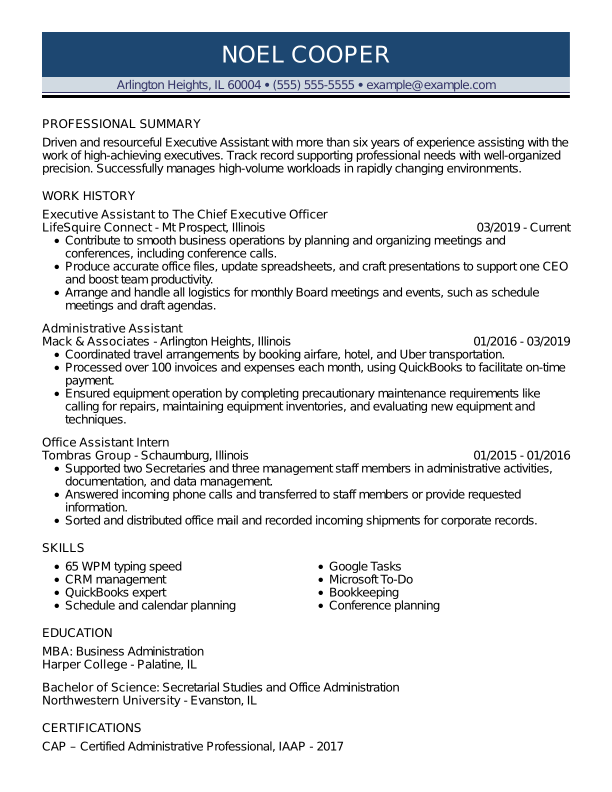
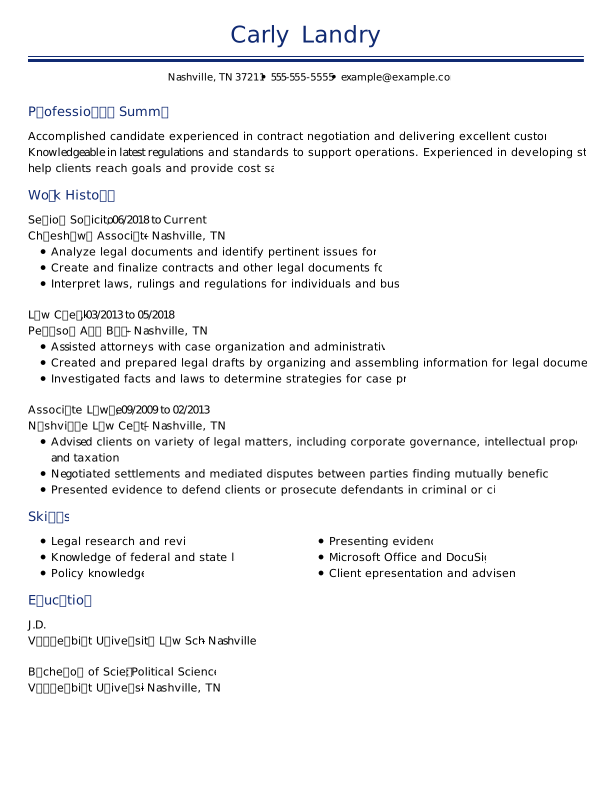
A modern resume template uses bold borders for your name and clear dividers for sections.
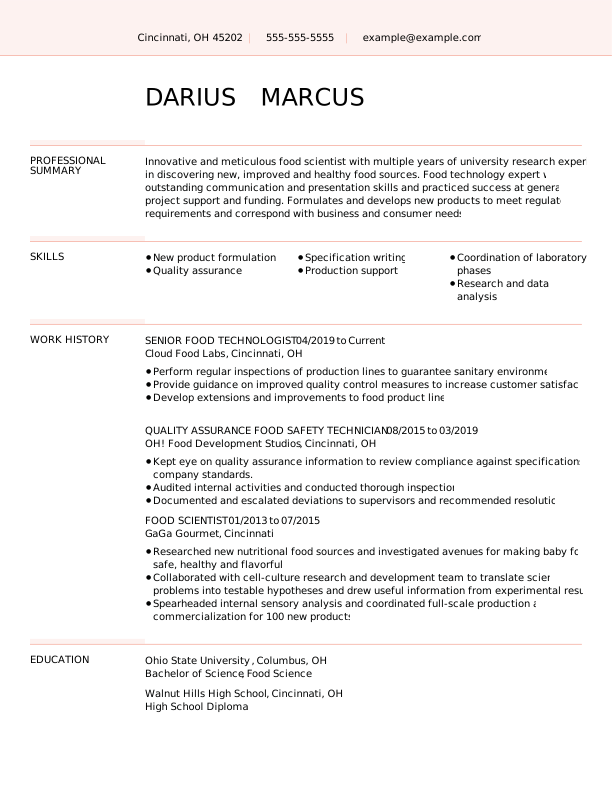
This resume template prioritizes your contact information, resume summary and work history.
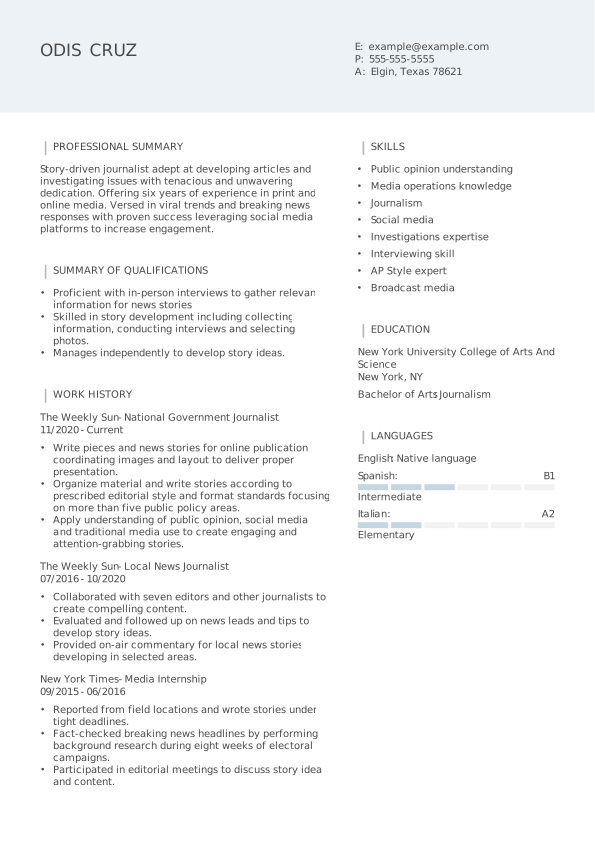
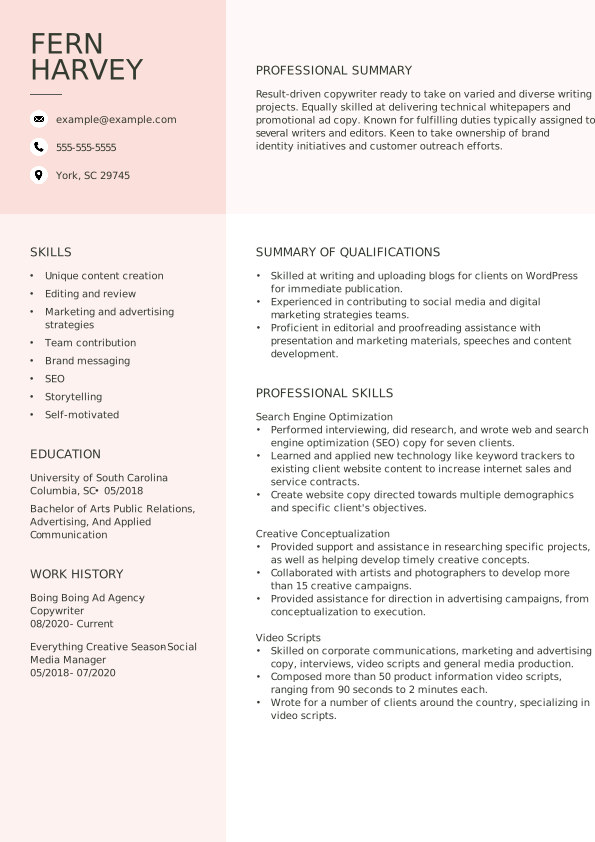
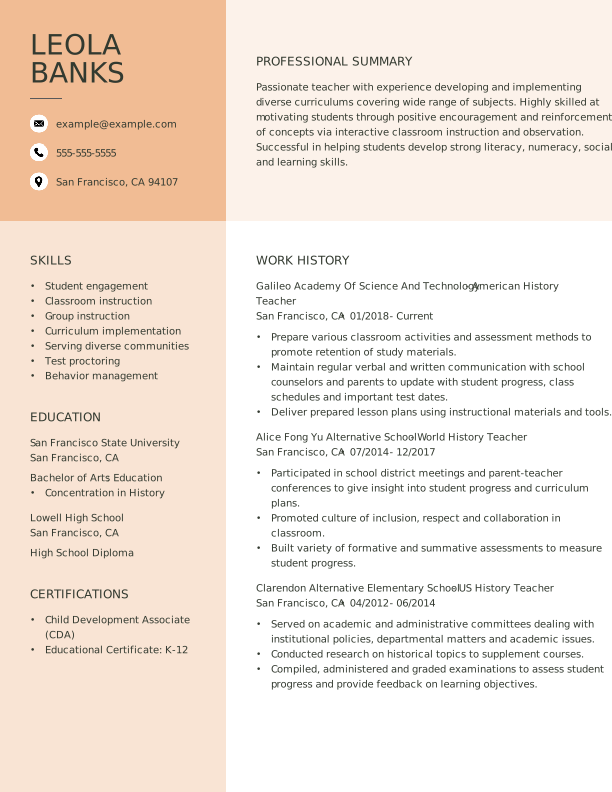
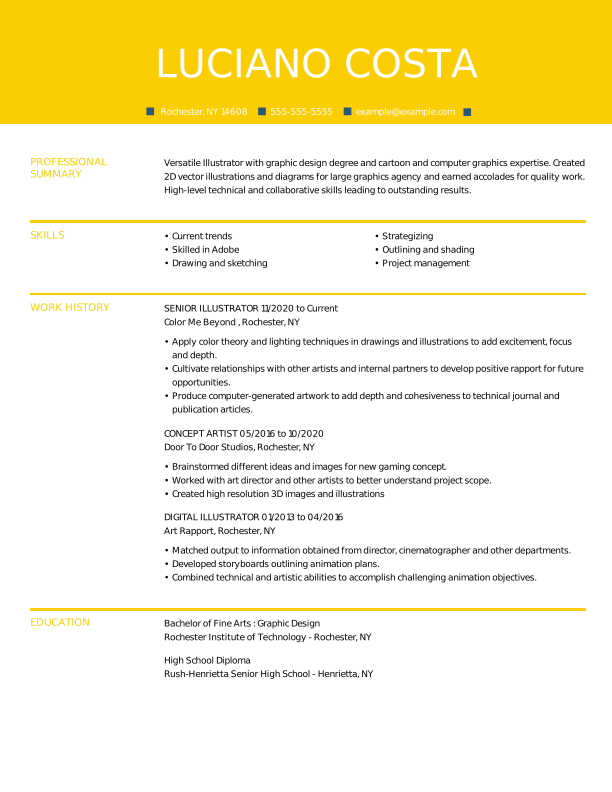
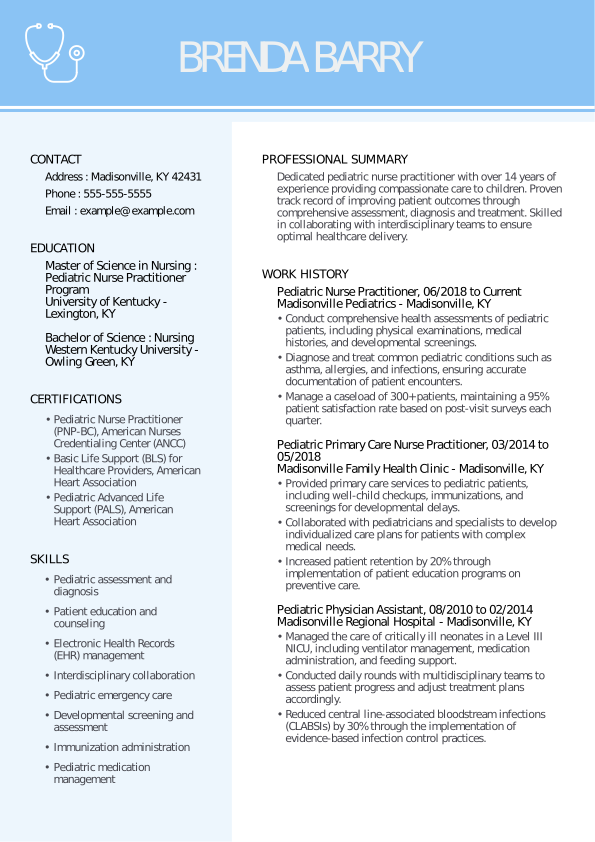
A two-column template uses a colorful header to highlight your name and contact information.
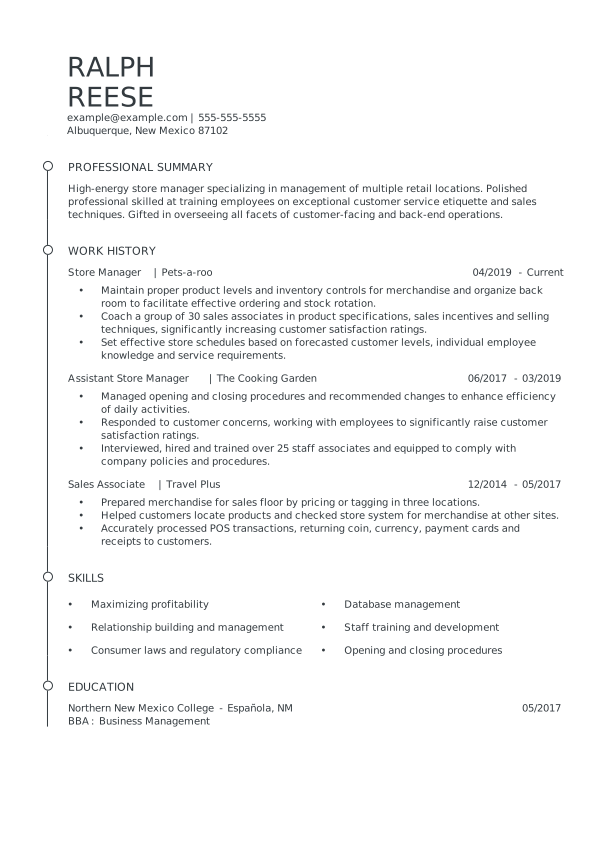
A simple resume template with a minimal page border marks each resume section’s start.
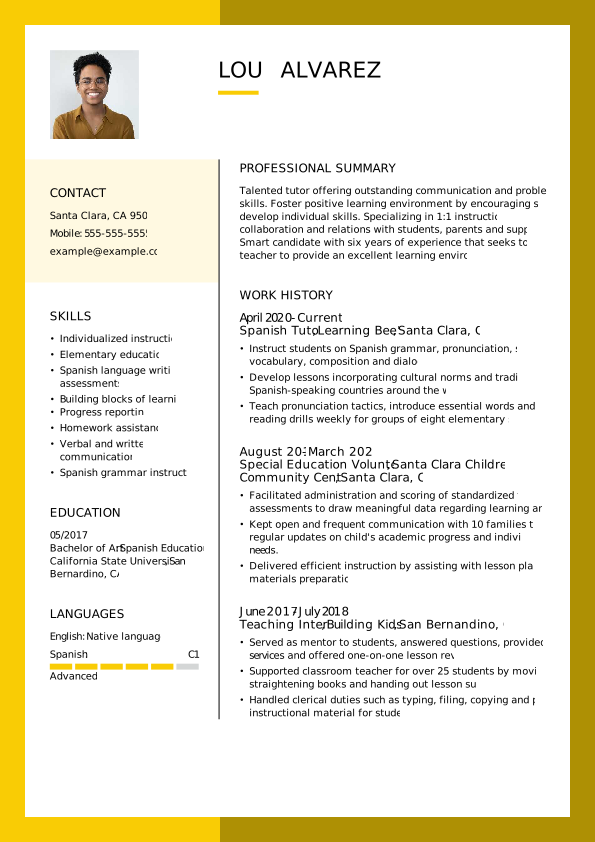
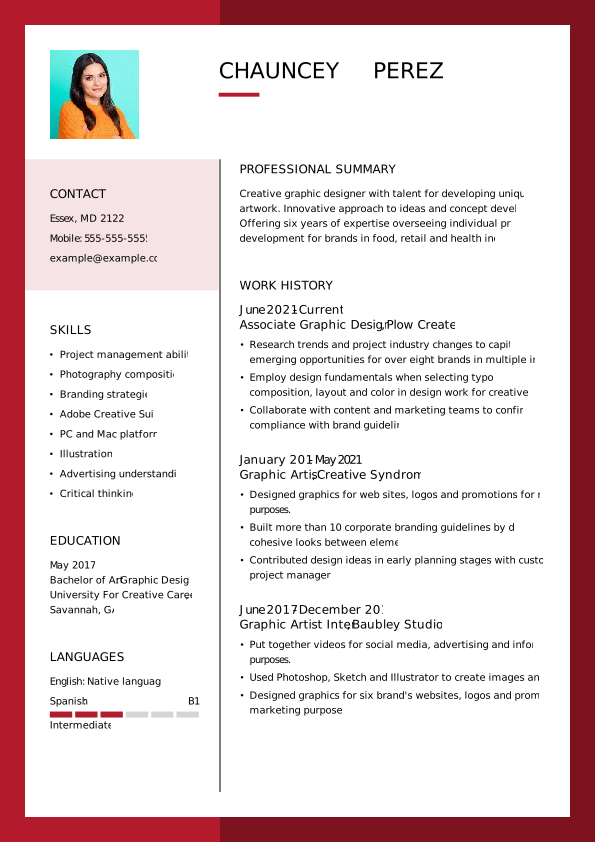
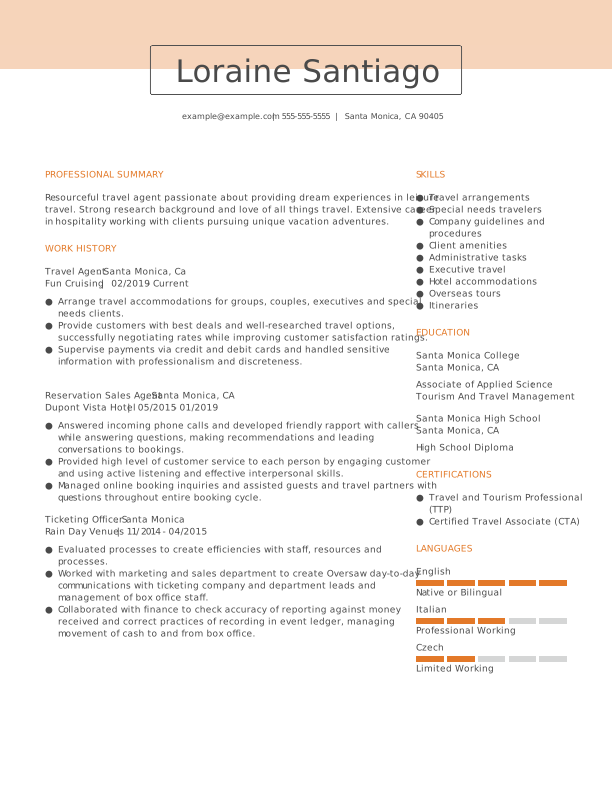
A color-blocked template with double columns to showcase your ranked skills and work history.
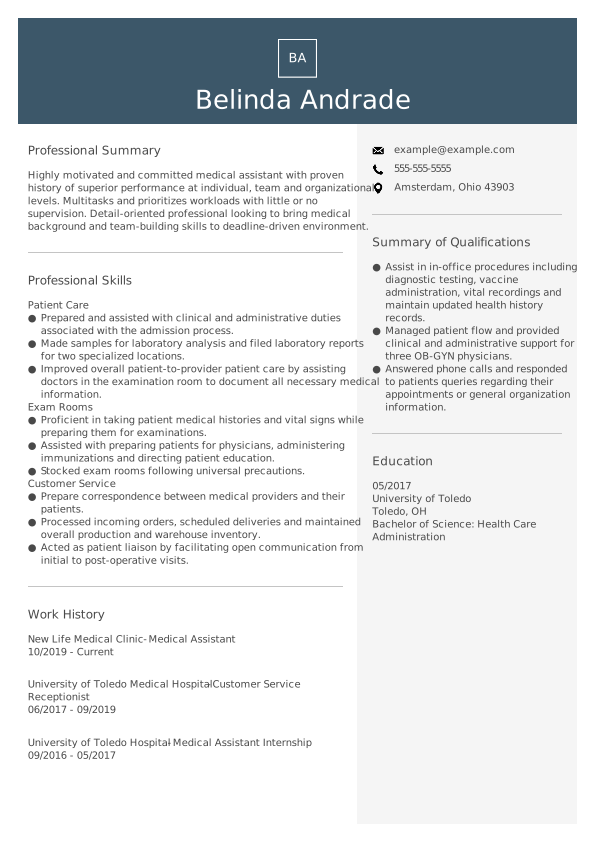
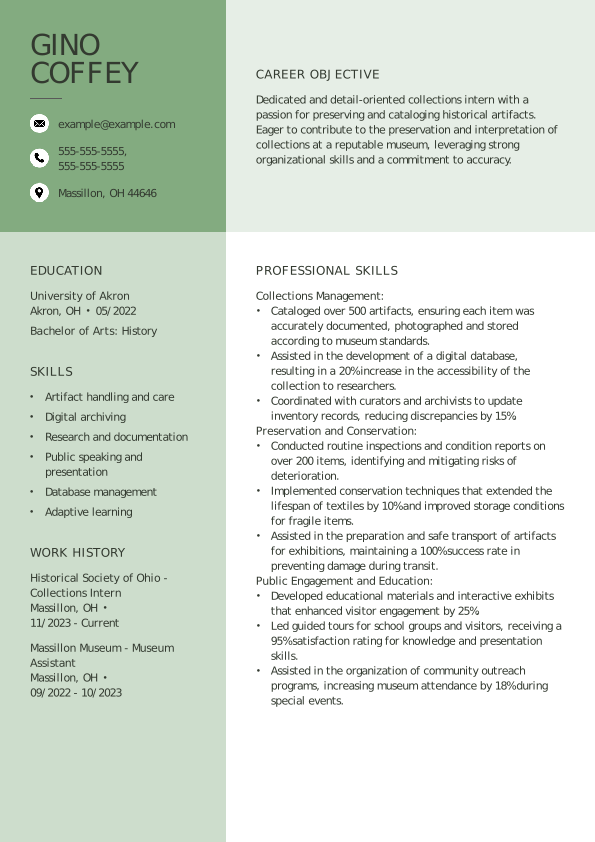
A structured template uses color-blocking and columns to separate your resume sections.
A traditional resume template with strategic page breaks and spacing to mark each resume section.
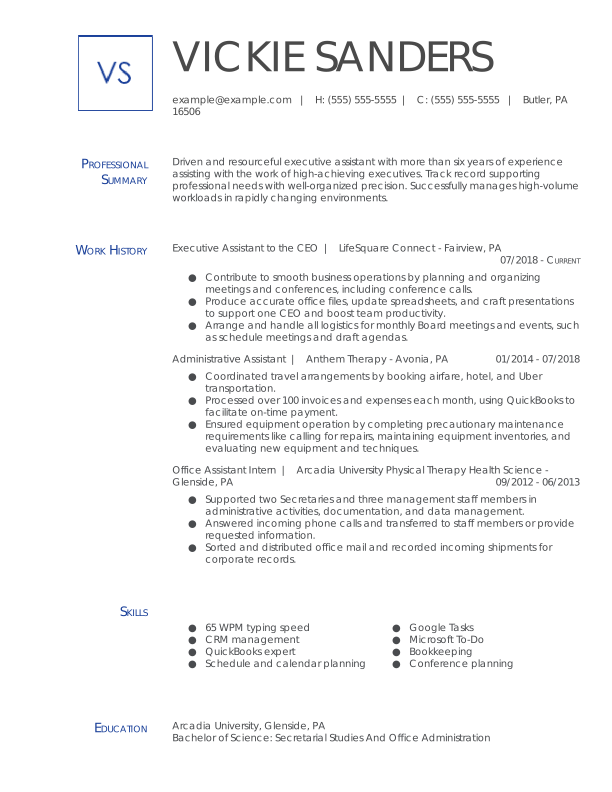
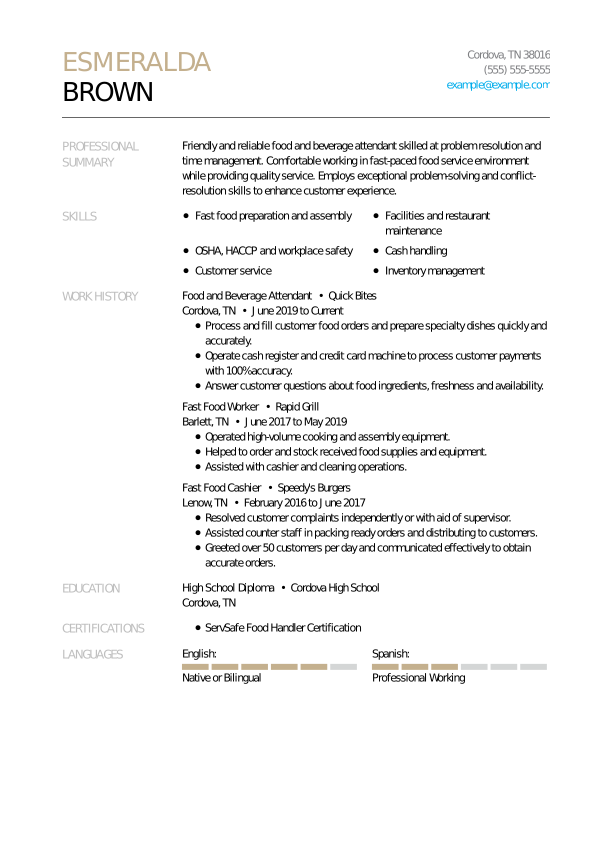
An elegant and simple resume template that covers your core accomplishments and skills.
This resume template with section borders and ranked skills to highlight your experience.
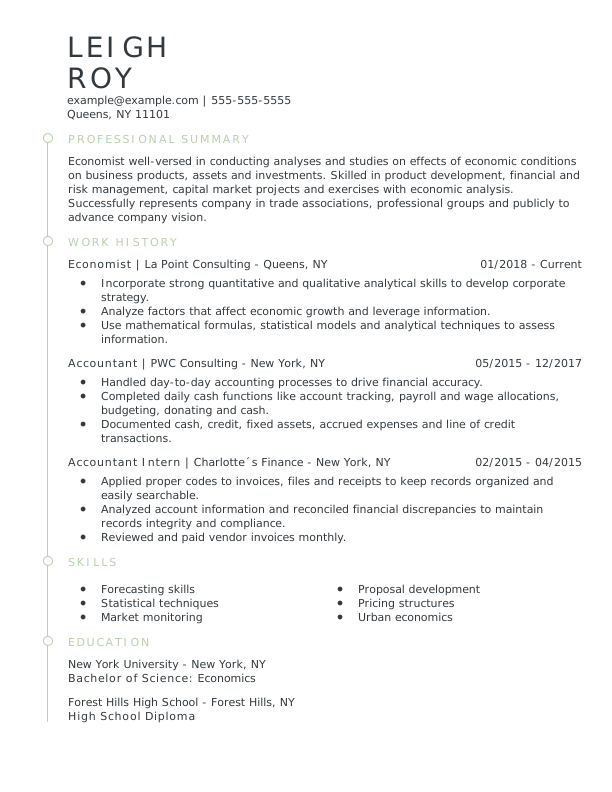
An elegant resume template uses a narrow column to mark each resume section and key job.
A two-column template includes an image section for your professional portrait or logo.


Professionally crafted resume templates save you time by eliminating worries over layout and page structure.

Inspire confidence in yourself and your application with an ATS-optimized template.

Resume templates highlight key sections like skills, work experience, and education to ensure you add important information.
These free resume templates download straight to your computer and feature resume-writing advice for each section. For additional writing tips featuring job-tailored skills, work history, accomplishments, and job descriptions based on your professional experience, try our Resume Builder.
See how job seekers and professional resume writers customize these templates to impress employers.

Download our free Word resume templates featuring clean layouts and flexible fonts. Because Word works across devices, your formatting stays intact.

Google Docs templates allow you to edit, revise, and send your resume on the go. You can also successfully upload, download, and share in PDF.




Our resume templates come in three recruiter-approved resume formats that highlight your unique skills and experience level. Check out how each resume format places a different focus on certain sections.
Chronological Resume Templates
A chronological resume puts the spotlight on your work history and accomplishments by listing jobs in reverse-chronological order. This is great for experienced workers.
Functional Resume Templates
A functional resume prioritizes skills over your career history, making it an ideal choice for inexperienced job seekers, such as entry-level candidates or recent graduates.
Combination Resume Templates
The combination resume dedicates equal space to your skills and work history, striking a balance that’s perfect for mid-career professionals or career changers.
A strong resume template gives you a clear framework to showcase your skills and experience effectively, guiding your application toward interview-ready quality. They also ensure that you present your qualifications in a professional manner that hiring managers expect from applicants.
Resume templates feature the following:
The best template for your resume depends entirely on your experience level and job aspirations! Here’s a helpful cheat sheet to help you decide:
The best downloadable file format for your resume is a PDF. Most PDFs download with the same resume layout and formatting, no matter which operating system or file manager you use.
The next best format is a Word document or Google Docs. These are the most popular word processing applications, so it’s less likely that your resume will get corrupted when you send it.






I would recommend JobHero to anyone. The customer service is excellent. I needed help with my resume, and they provided superb service.